Borderless 3D
Smooth 3D relief effects create a sculptural, seamless look in AI-generated art. I experimented with Midjourney to recreate a lucky punch – blending subjects into the background effortlessly. A mix of reference images, keywords, and trial-and-error led me to some unexpected results.

tl;dr
- «Smooth 3D relief» can create a seamless, borderless effect – sometimes
- Recreating it in Midjourney is tricky but not impossible
- Keywords and references only get you so far – experimentation is key
What is a Relief?
A relief is a sculptural technique where shapes are raised from a background, creating a sense of depth while remaining attached to a surface. In digital and AI-generated art, relief effects give a smooth, embossed, almost sculptural appearance—blending seamlessly with the background instead of feeling like separate objects. A least theoretically.
My Explorations
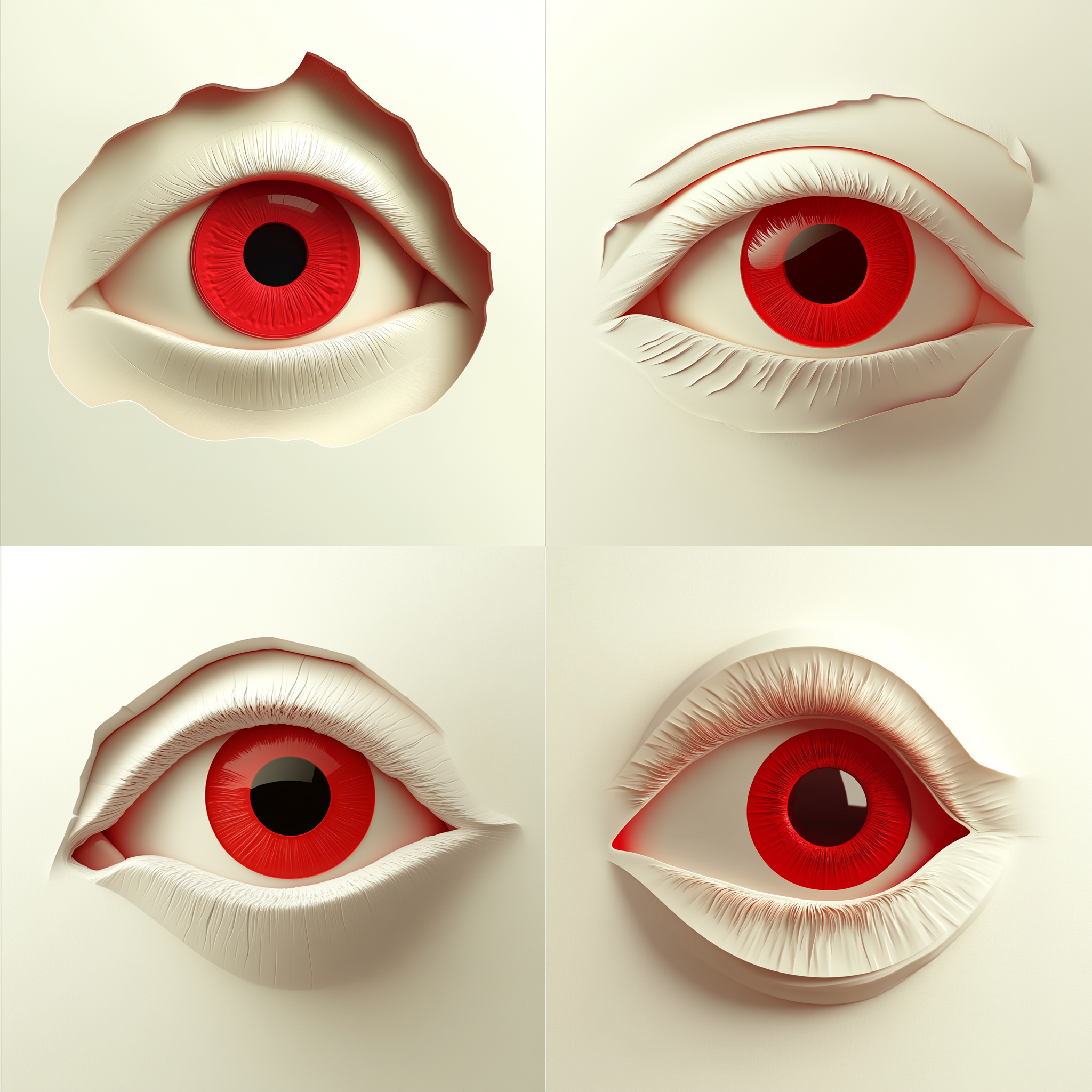
I wanted to recreate a lucky punch – a Midjourney-generated image that had a really nice style. The magic was in the borderless look, where elements softly blended into the background.
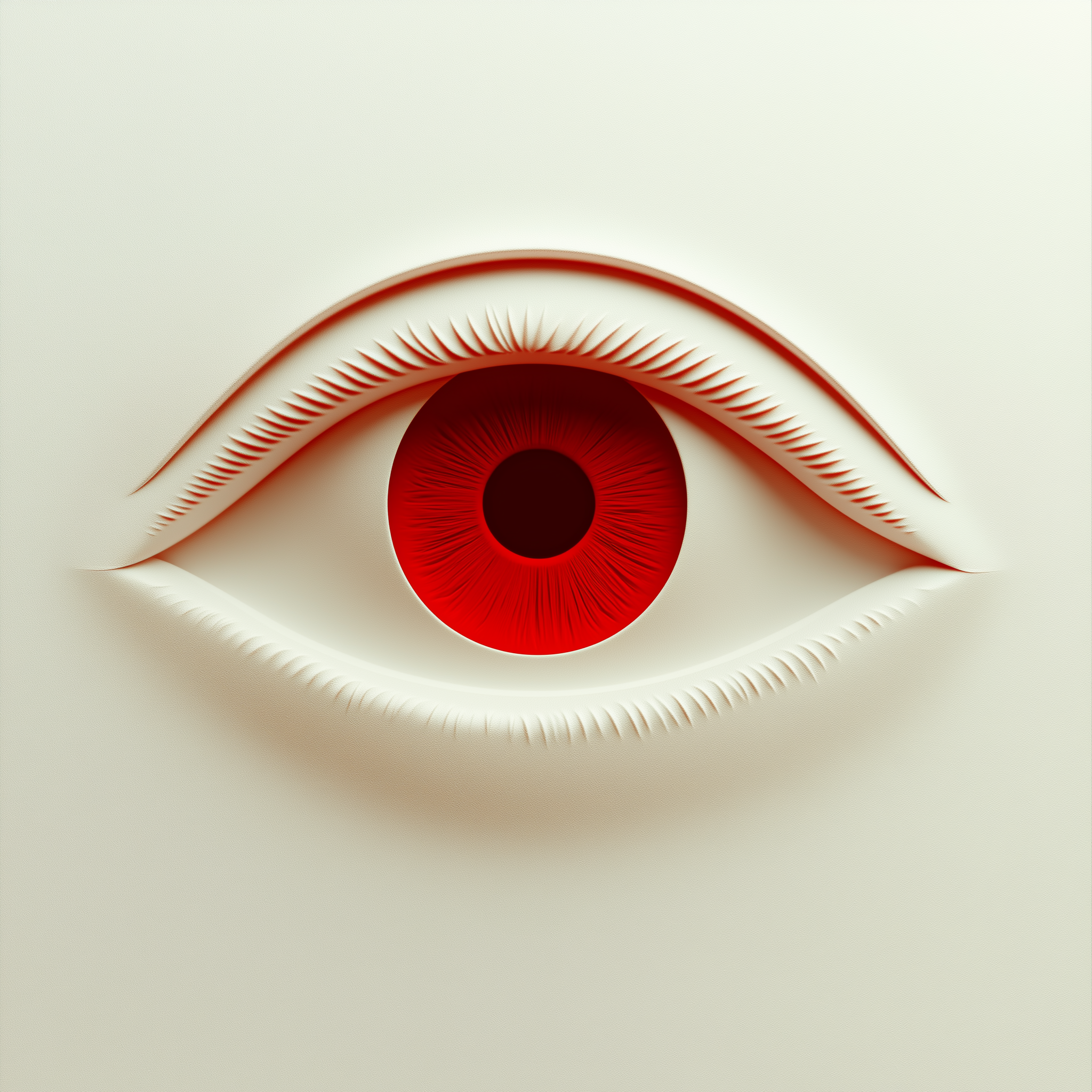
First, I tried using my reference image and let Midjourney describe it back to me. The results were semi-successful. While most of the results were borderless, the images lacked the 3D-Look of the eye pushing out from the background or just looked lifeless.

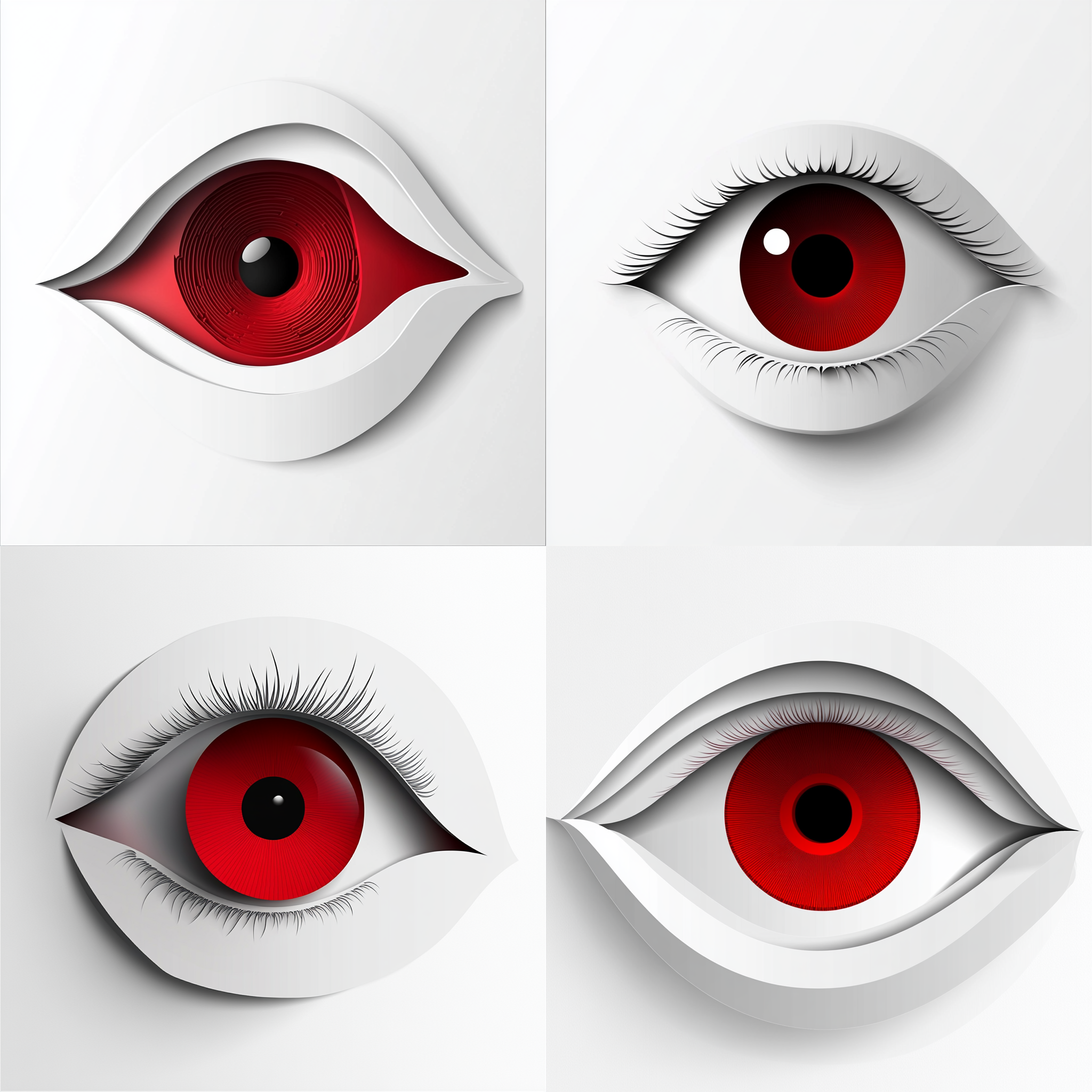
Left: 3D red eye icon, white background, white and cream color theme, simple, elegant, minimalistic design, isometric view, 2D illustration, white background, red iris, eye shape, white eyelashes, red pupil, white skin tone, front-facing | Middle: 3D vector graphic of an eye, red iris on a white background, paper-cut style, symmetrical design, centered composition, simple design, no text or letters in the picture, no lettering. | Right: Minimalist surreal eye, seamlessly blending into a soft white background, embossed relief effect, smooth 3D rendering, soft shadows, hyperrealistic yet abstract, futuristic sculpture, fluid organic form, paper cutout aesthetics, monochromatic with a striking red iris, ultra-detailed, Octane render, soft lighting, subtle gradients, cinematic composition
Next I tried using the original generated image as a style reference. It kind of worked, but I had to recolour the reference in photoshop to get results, that weren’t brightly red. Also, as soon as the subject became a bit more complicated, like a hand, we lost the script.
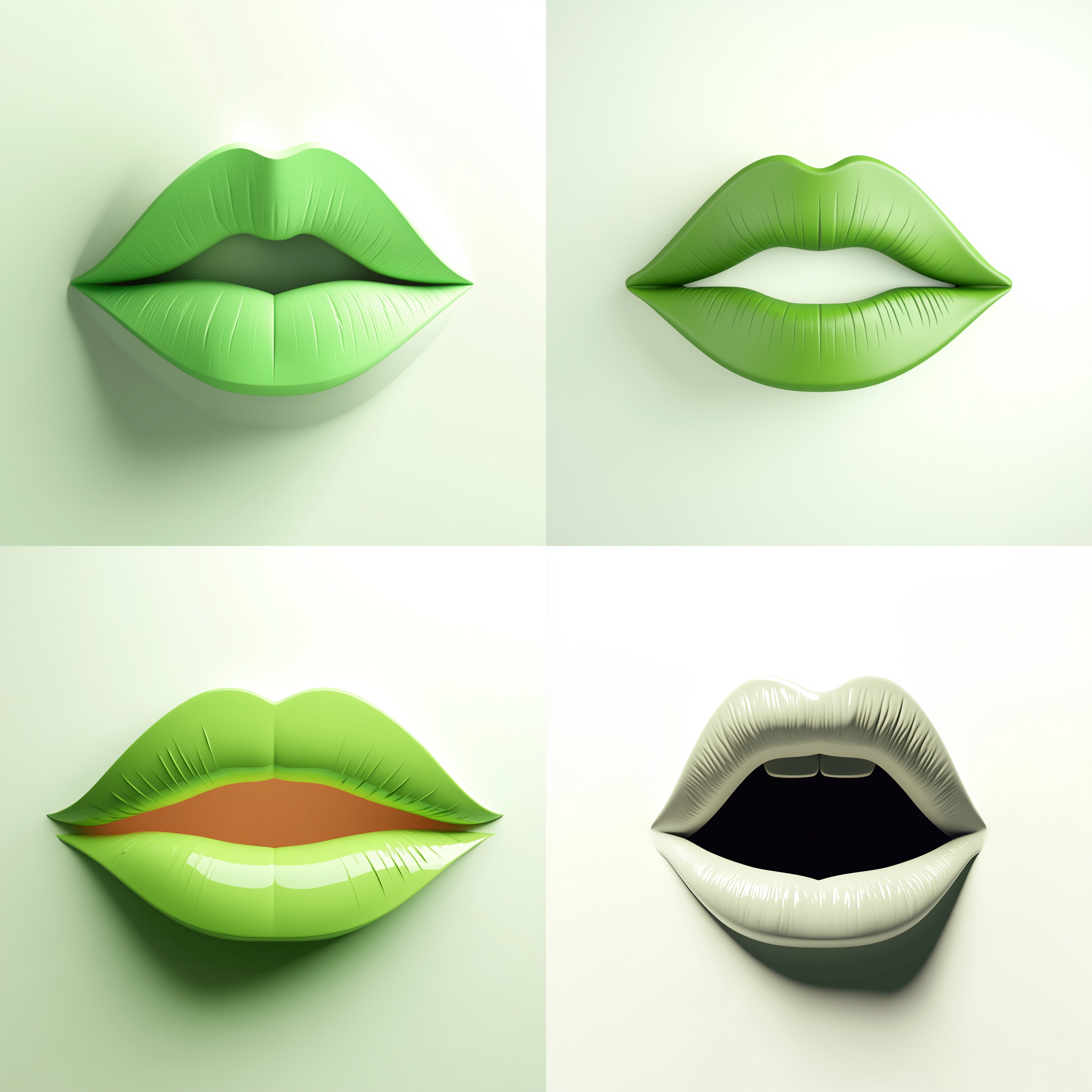
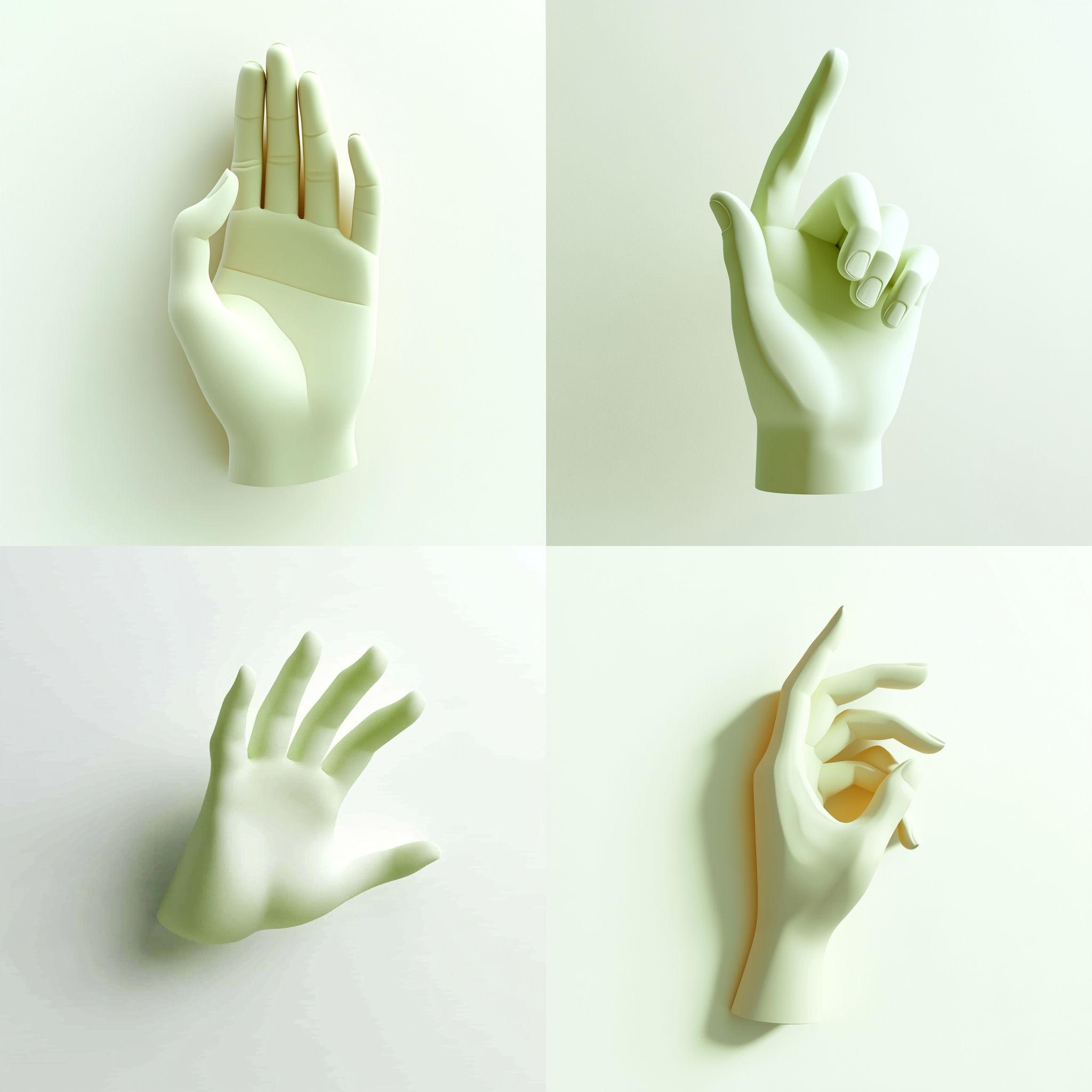
Left: eye on paper --sref https://s.mj.run/28YFScyK0Vc | Middle: minimalistic mouth on white background --sref https://s.mj.run/4P8FWkfomkk | Right: minimalistic hand on white background --sref https://s.mj.run/4P8FWkfomkk
I decided to go back to my original Idea and copied some of the words that kind of worked and tried them with grins. One out of four had potential – but it still wasn’t there.
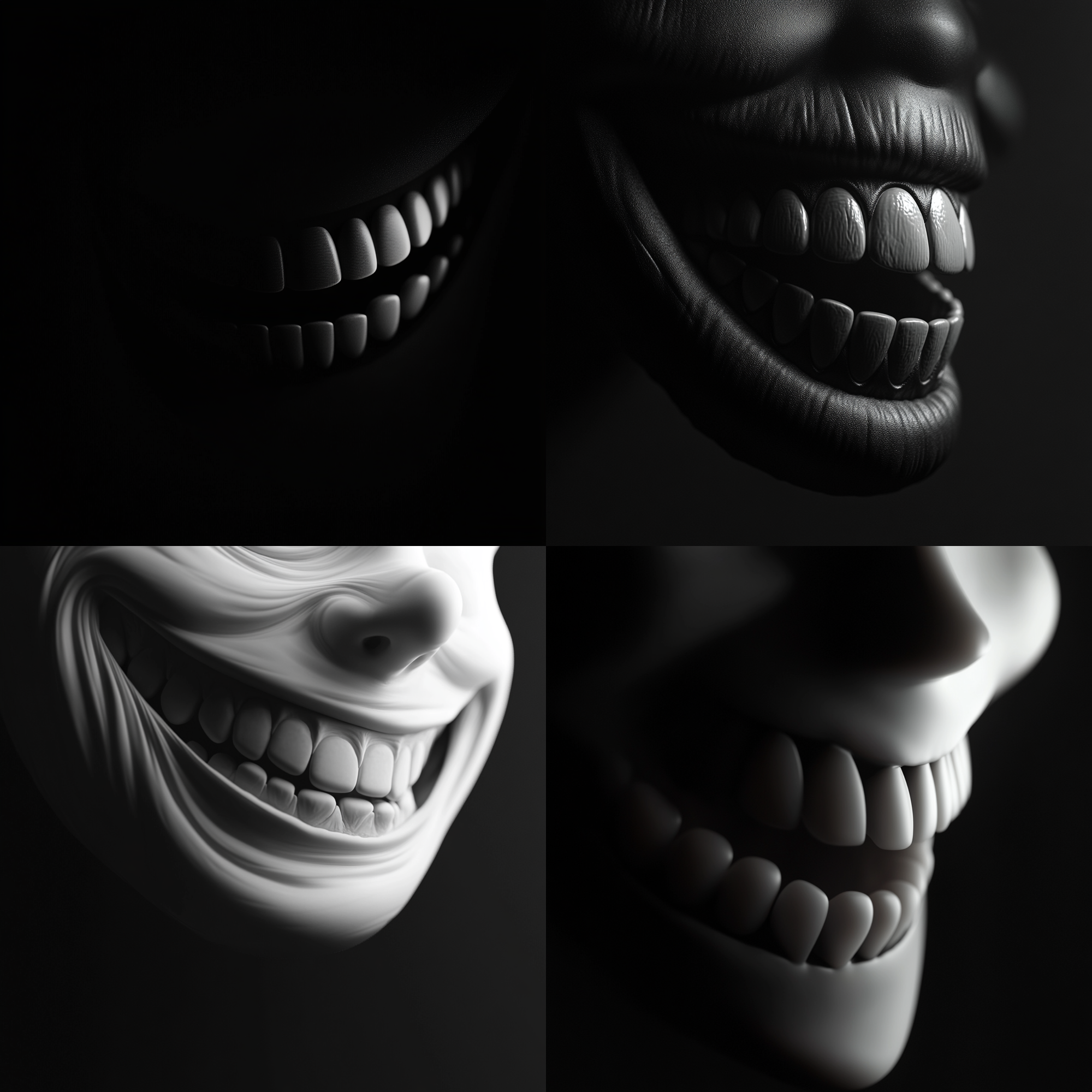

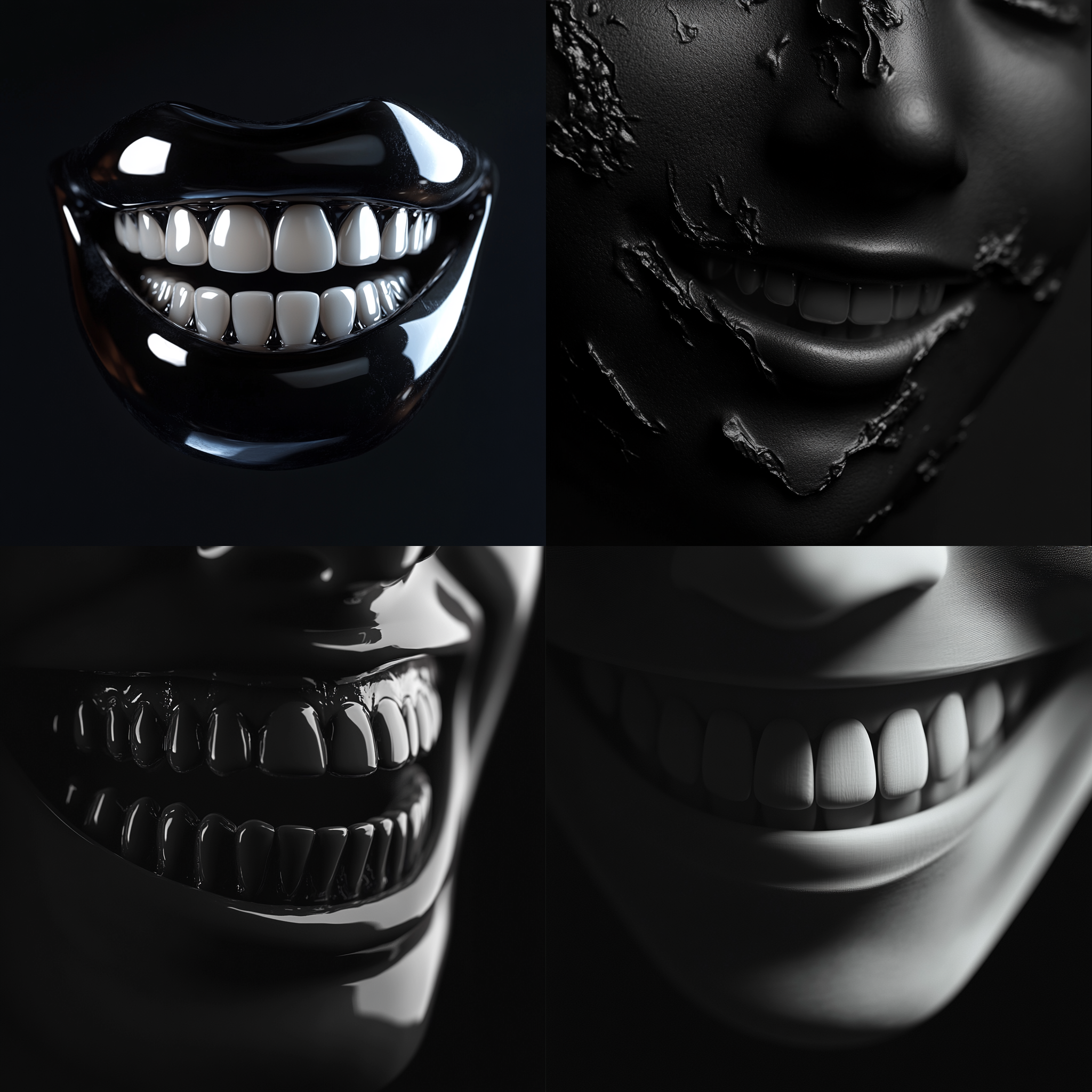
Left: Minimalist surreal grin, seamlessly blending into a soft black background, embossed relief effect, smooth 3D rendering, soft shadows, monochromatic, Octane render, soft lighting, subtle gradients, cinematic composition | Middle: 3D illustration, A close-up of the tongue and lips, rendered in black, designed to resemble an animated character's mouth. The background is dark gray, creating contrast that highlights both parts of the face. This minimalistic design emphasizes just these two elements. | Right: Minimalist grin, seamlessly blending into a soft black background, embossed relief effect, smooth 3D rendering, soft shadows, monochromatic, Octane render, soft lighting, subtle gradients, cinematic composition
This is where I wanted to simplify stuff. I tested prompts with smooth embossed relief, smooth embossed effect, and smooth relief. The results were promising, mostly they just had too much going on on the supposedly flat background. To test this further, I tried mouth and hand as the subject of the prompt to see if it would work on more difficult subjects.
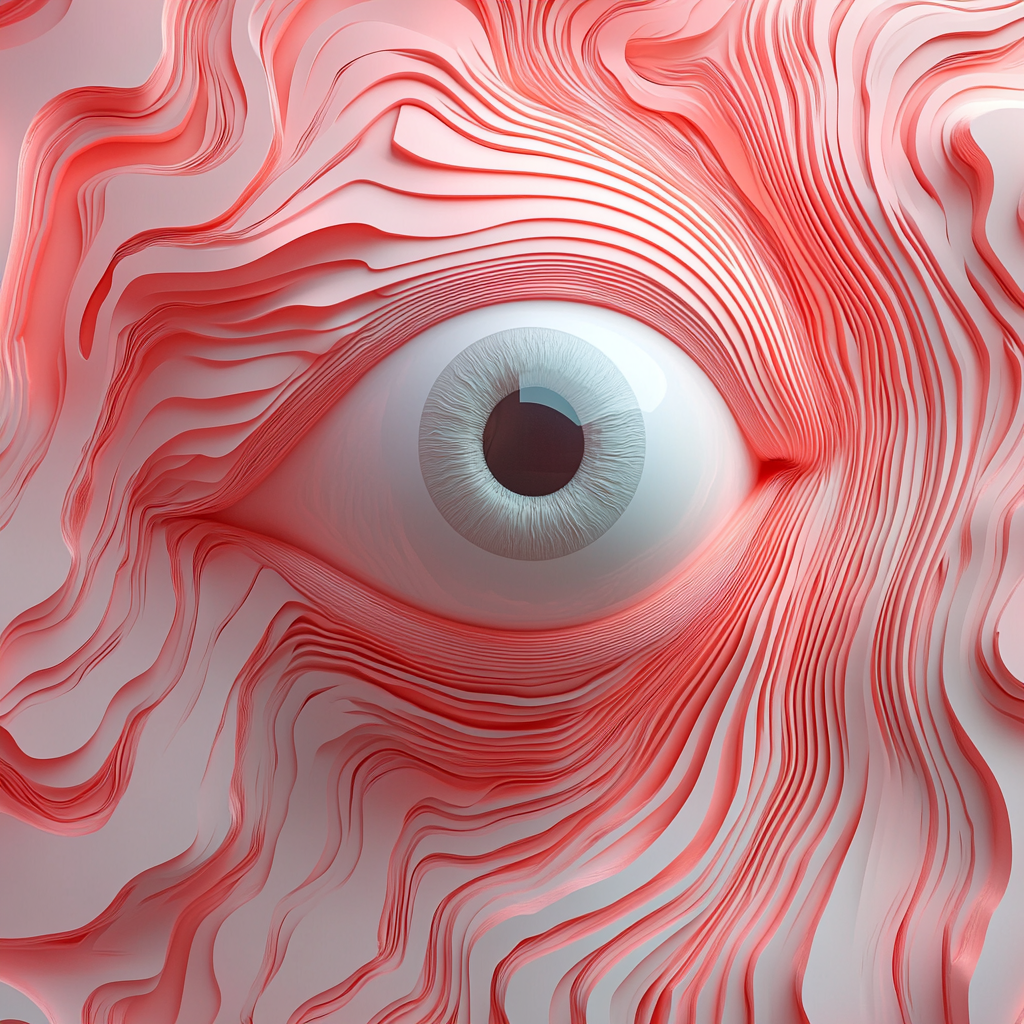
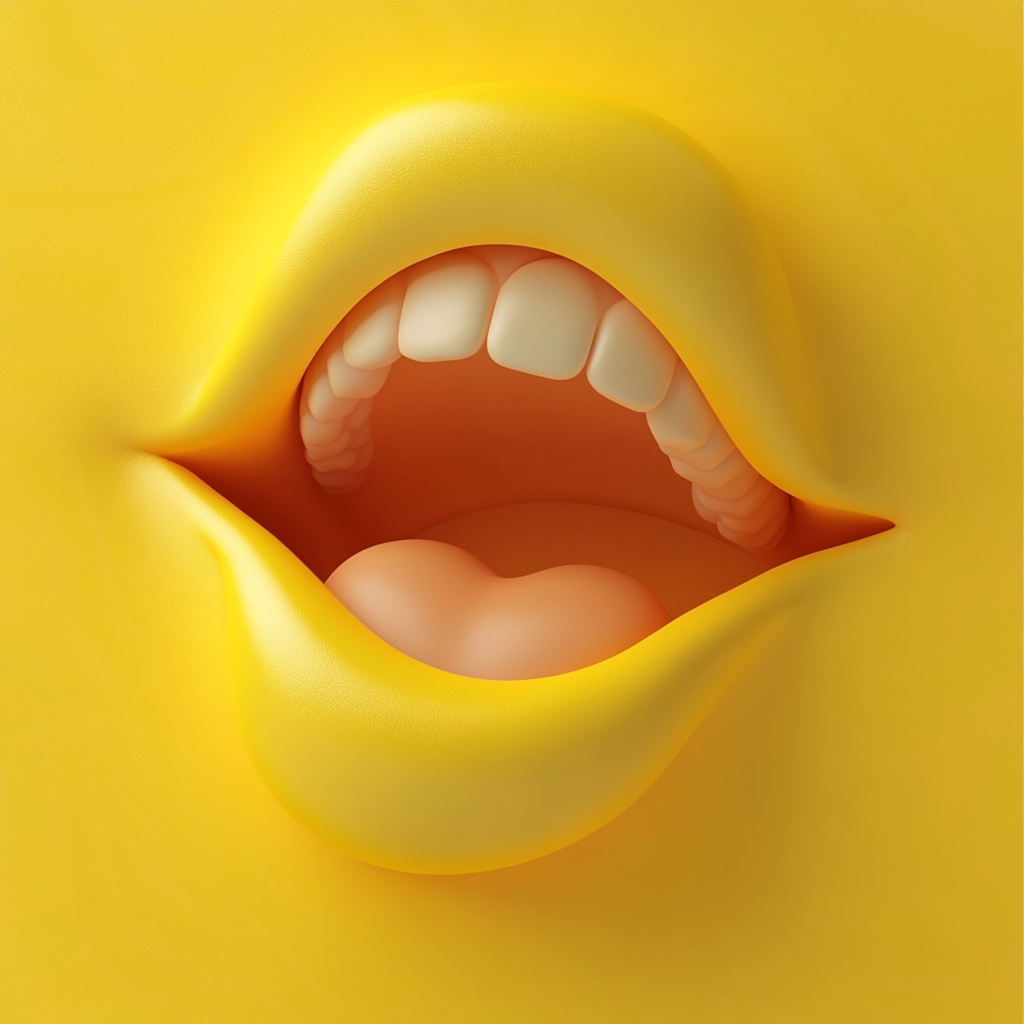
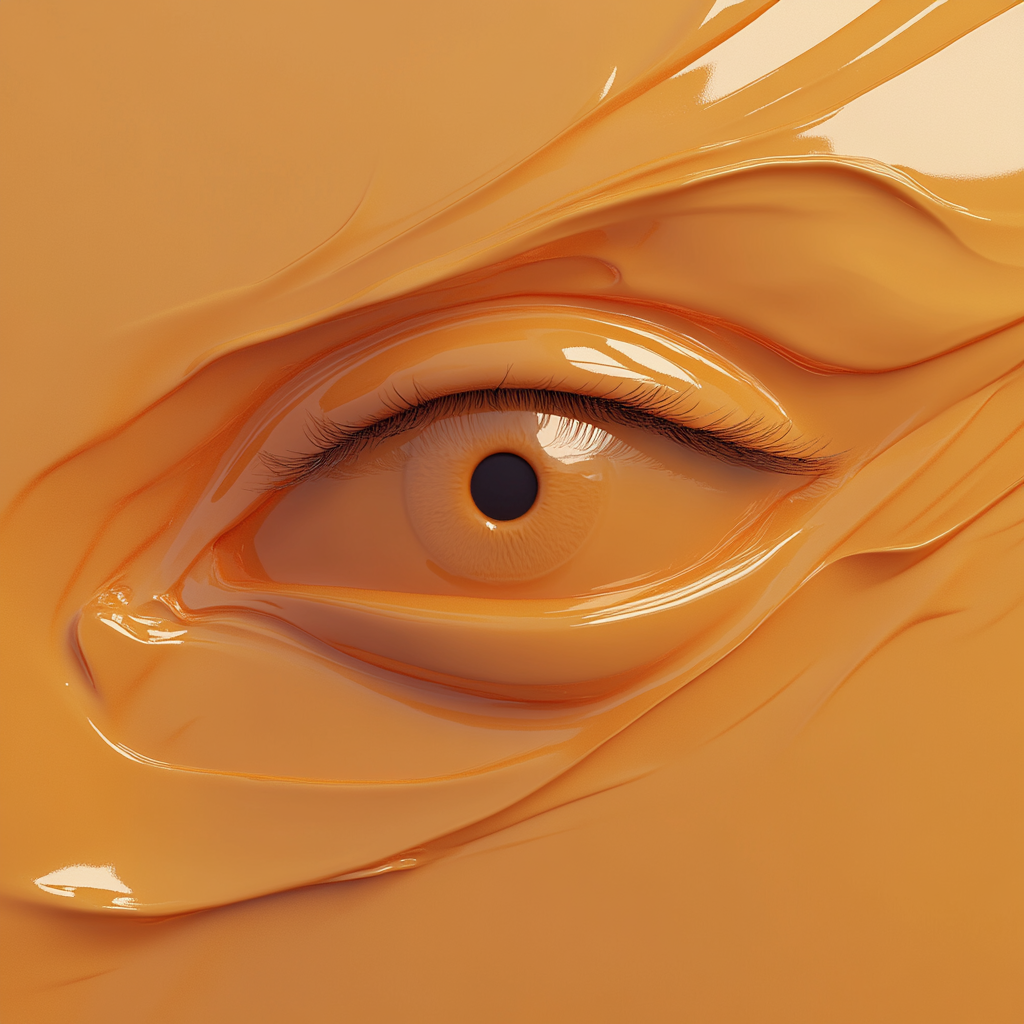
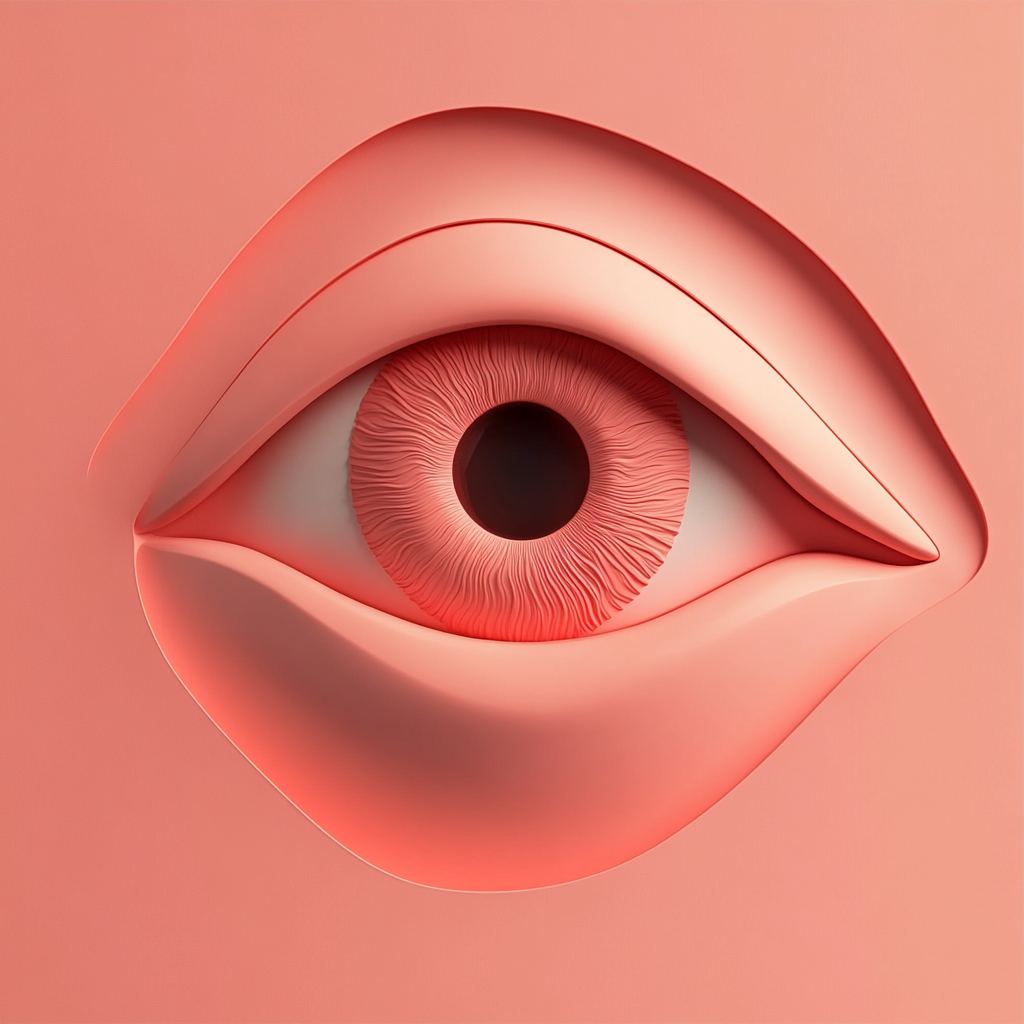
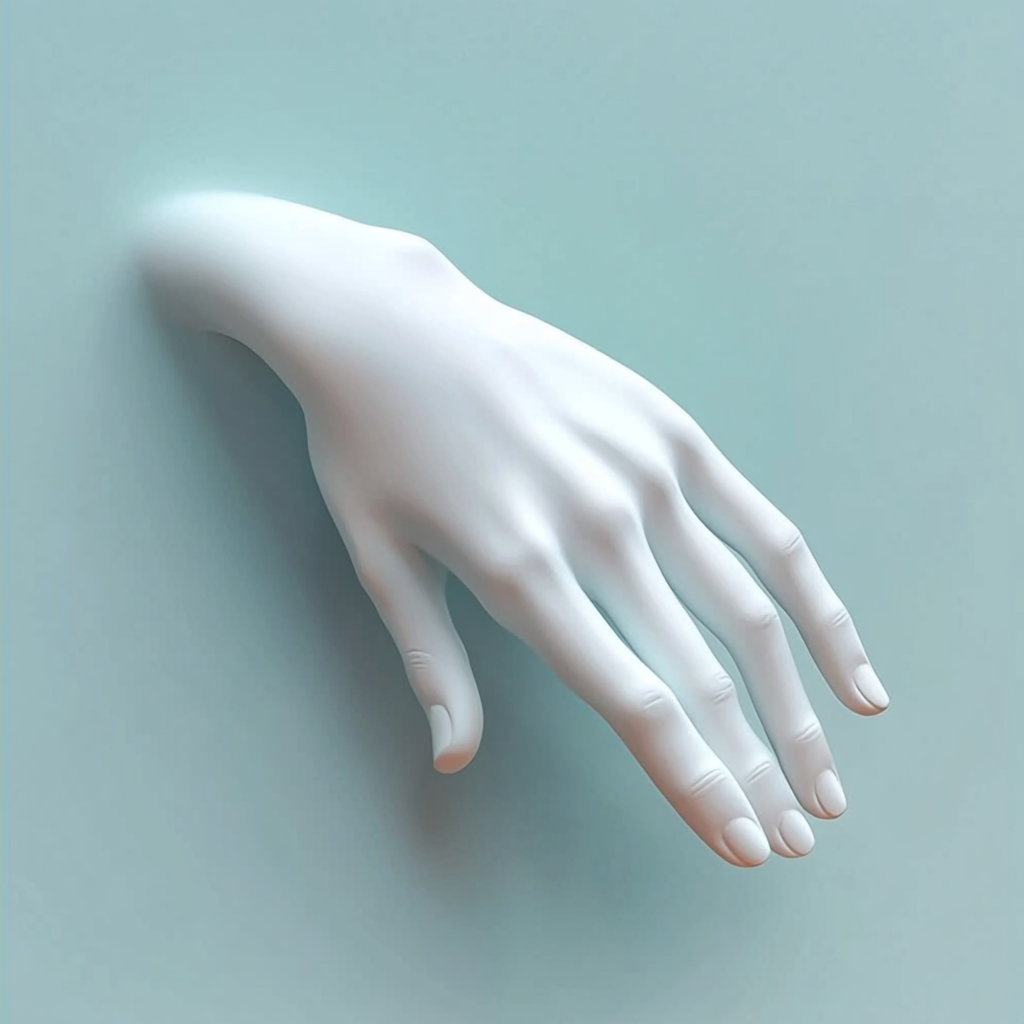
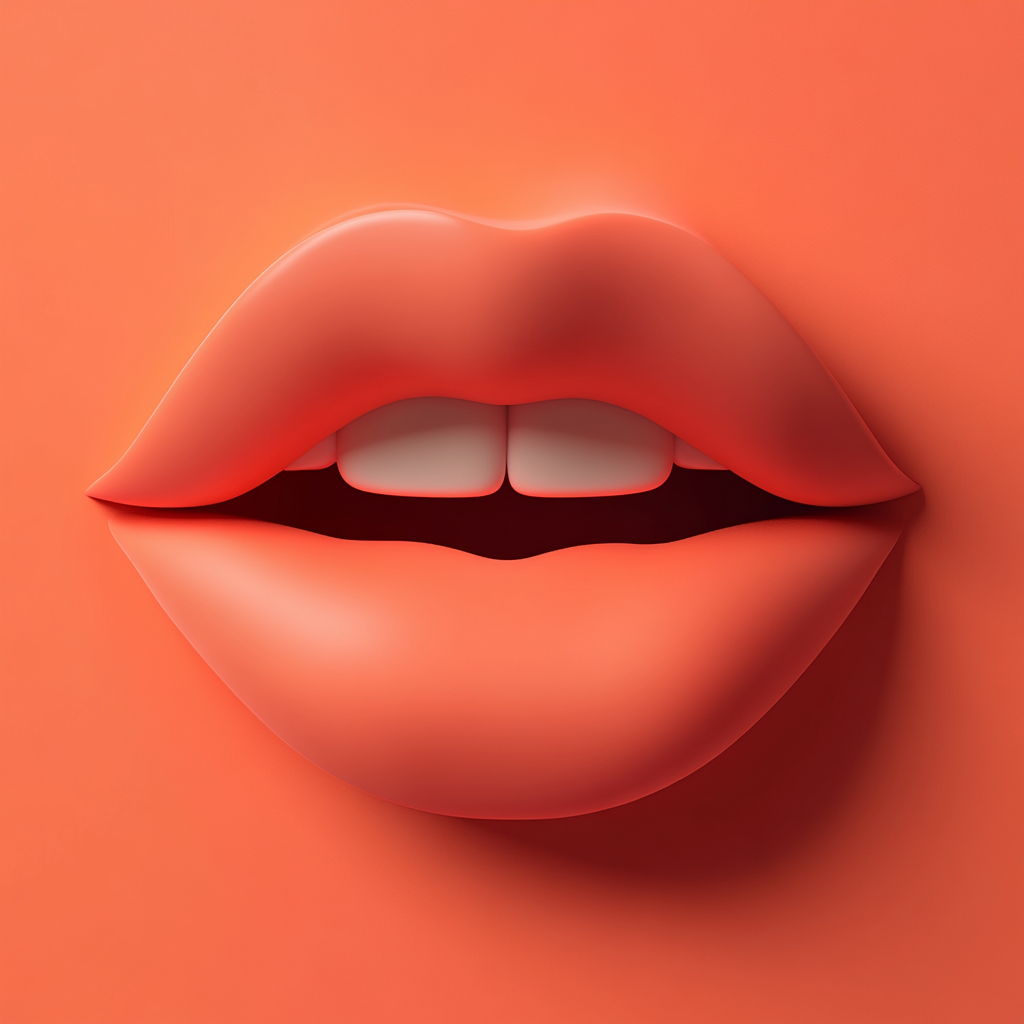
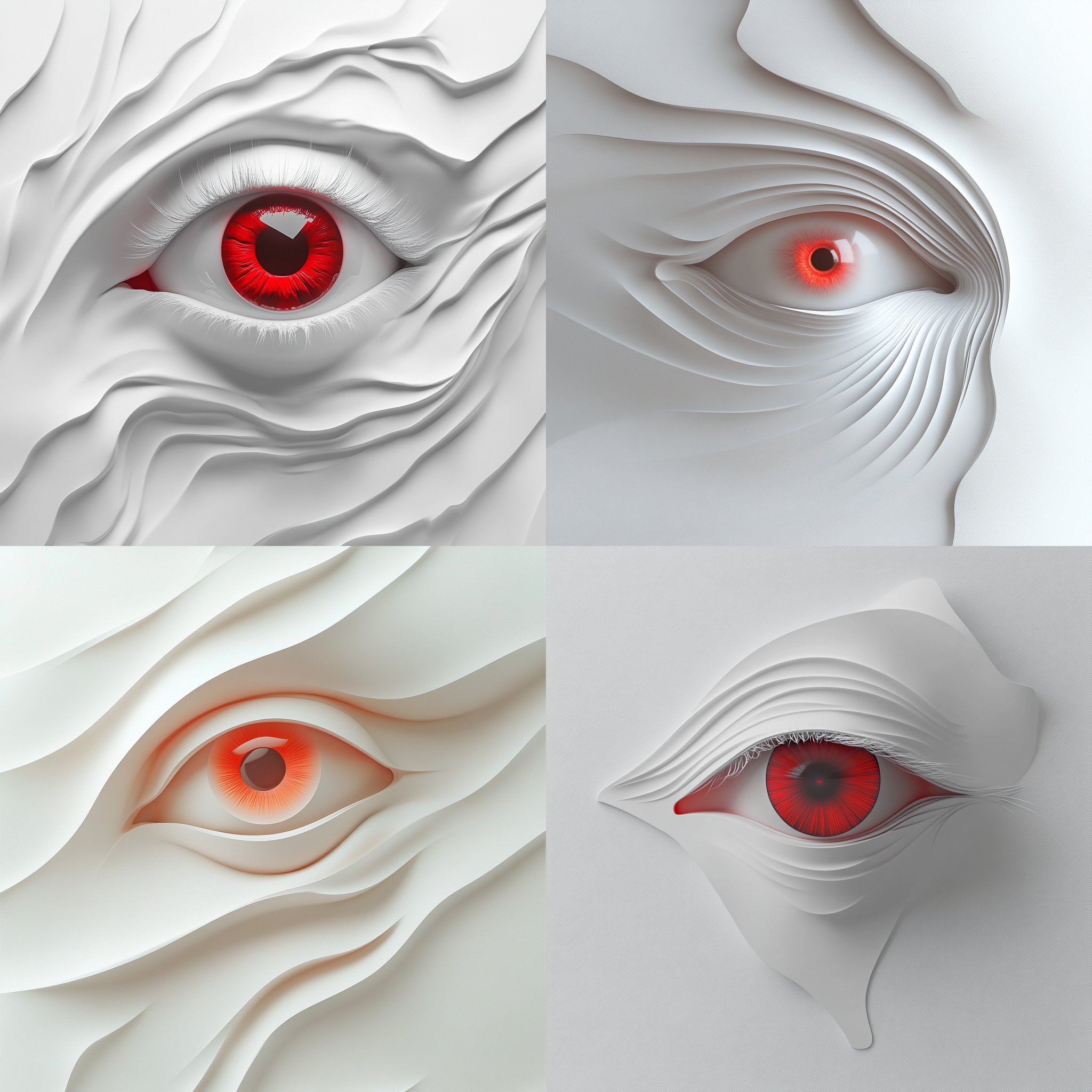
First Row - Left: 3D illustration, minimal eye, fullscreen smooth relief effect | Middle: 3D illustration, minimal mouth, smooth embossed effect, blending into flat background | Right: 3D illustration, minimal eye, smooth embossed effect Second Row - Left: 3D illustration, minimal eye, smooth embossed relief effect, blending into flat background | Middle: 3D illustration, minimal hand, smooth embossed relief effect, blending into flat background | Right: 3D illustration, minimal mouth, smooth embossed relief effect, blending into flat backgroundPrompPrpP
We got there in the end – kind of. I like the vibe and every other generation actually follows the smooth 3D relief look that I fell in love with, in the beginning.
Possible keywords to combine with it:
smooth embossed relief, seamless sculptural effect, 3D relief blending into background, organic embossed form, soft sculptural minimalism, gradient lighting for relief depth, hyper-smooth surface integration, paper cutout aesthetics